

January 4, 2026
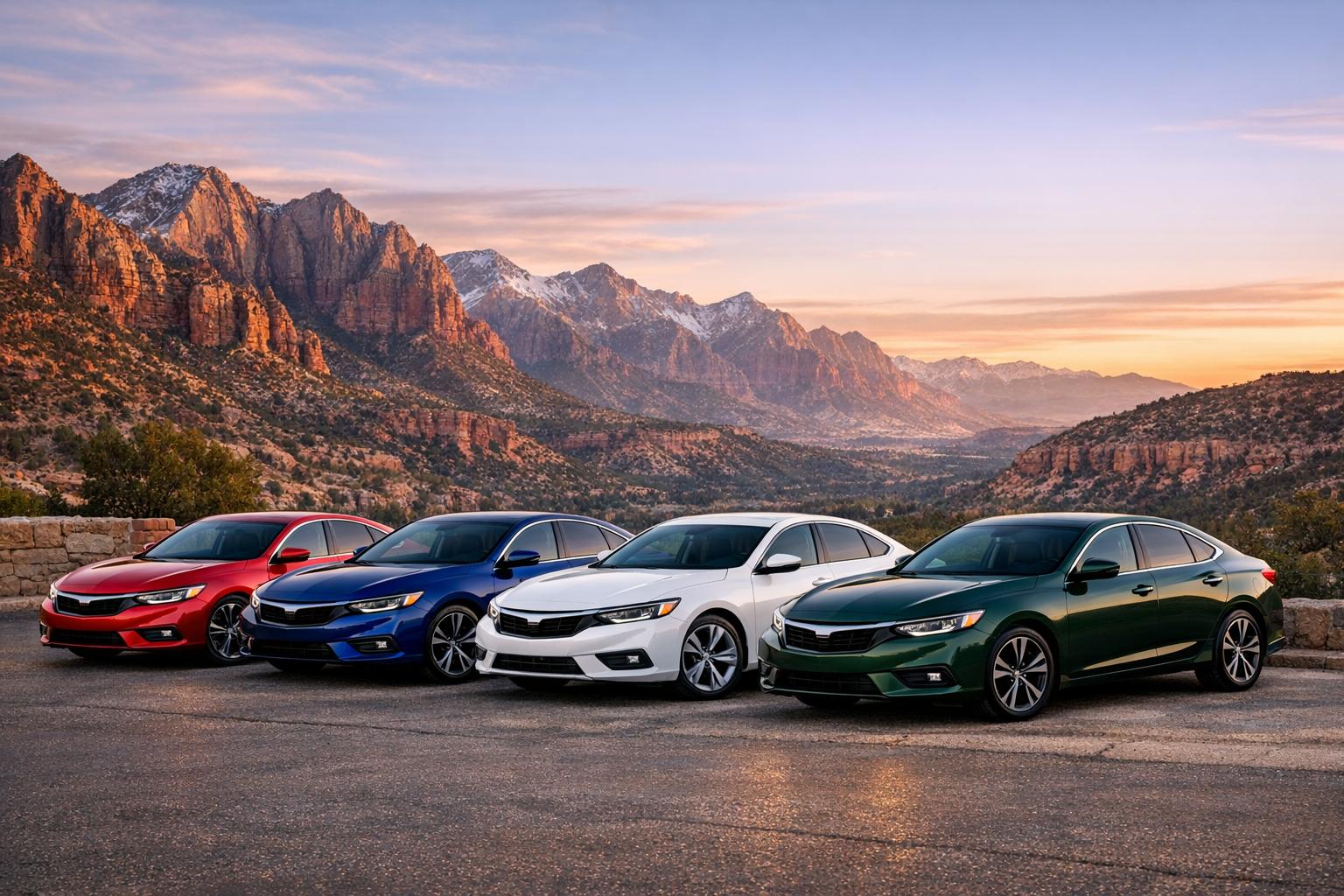
Choosing the right color for your car is a big decision—it’s not just about looks, but also about expressing your style. That’s where a car color visualizer comes in handy. This interactive tool lets you experiment with a wide range of automotive shades, from classic tones like Pearl White to vibrant options like Racing Red, all without stepping foot in a paint shop.
A vehicle’s color can transform its entire vibe. Maybe you’re torn between a sophisticated Metallic Silver or a daring deep blue. Seeing these hues applied to a car silhouette or model helps you picture the end result on your own ride. Plus, with over 20 popular colors to choose from, you can play around until something clicks. Whether you’ve got a sedan, SUV, or truck in mind, adjusting the shape adds an extra layer of realism to your preview.
Beyond aesthetics, picking a shade is personal. Maybe you want something timeless or a hue that turns heads. Tools like these take the guesswork out of the process, giving you confidence in your choice. So, why not take a few minutes to explore and find a look that feels just right for your car?
Absolutely! Our tool lets you switch between car types like sedan, SUV, and truck. Just pick the one that matches your vehicle, and the silhouette updates to give you a realistic preview of the paint color. It’s a great way to see how a shade might vary depending on the car’s shape.
The color codes (hex or RGB) we provide are for reference and give a close approximation of the shade. However, actual automotive paint can look slightly different due to factors like lighting or finish type (matte, gloss, metallic). If you’re planning a real paint job, I’d recommend showing the code to a professional for the closest match.
Right now, the tool focuses on visualization, so there’s no built-in save or share feature. But you can easily take a screenshot of your selected color on the car model, along with the color name and code. That way, you’ve got a handy reference to share with friends or a paint shop!
